Real time paint application
Background
I created this application as a hobby project. I thought it would be a good way to synthesize multiple different frameworks and tools, including React, Express, Next.js, and Azure SQLServer.
The basic premise of the application is that of a live drawing tool. You can think of it as Microsoft Paint, only you can share canvases and draw with other users in real time.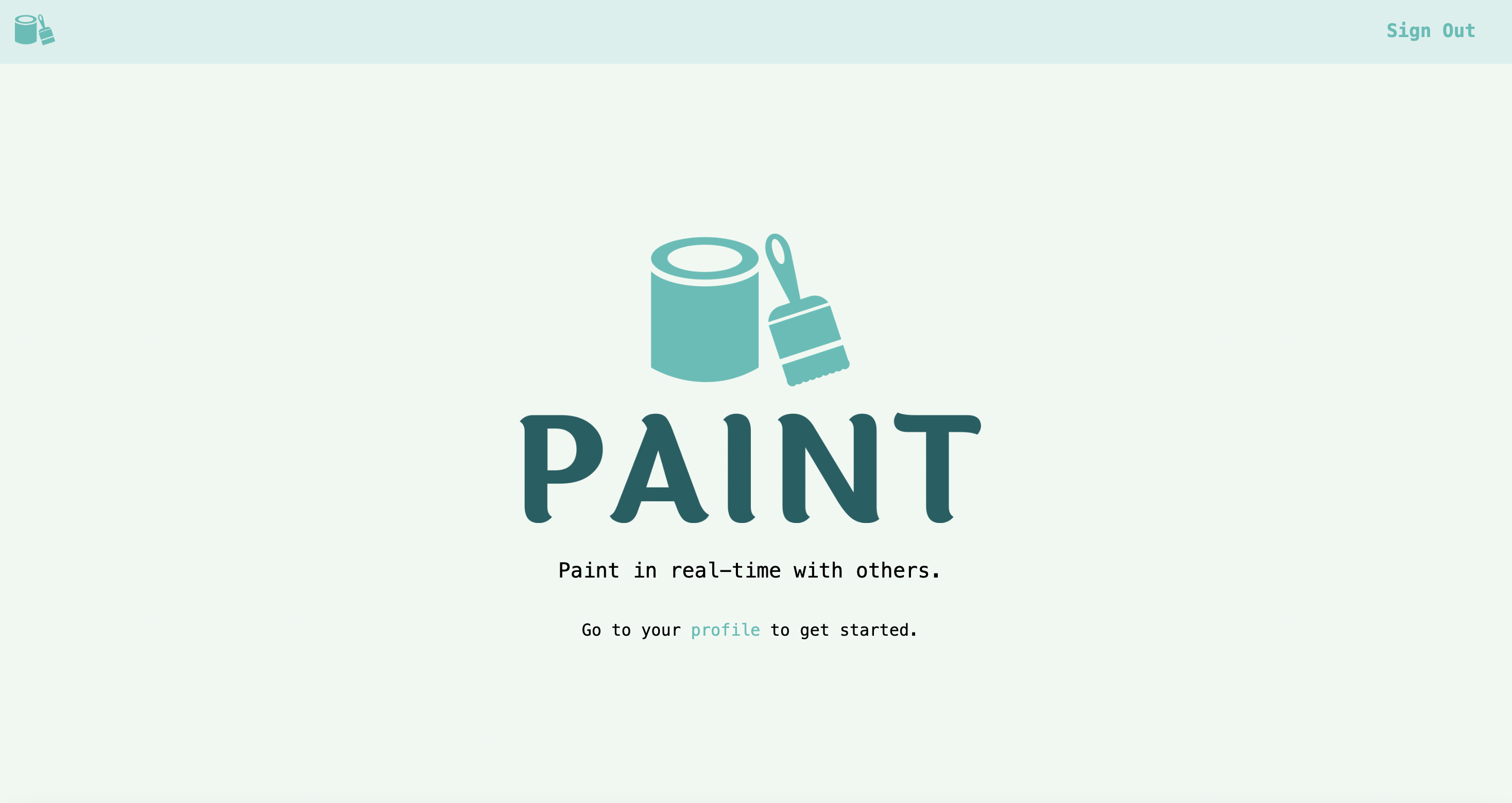
The basic premise of the application is that of a live drawing tool. You can think of it as Microsoft Paint, only you can share canvases and draw with other users in real time.
The live drawing functionality
The live drawing functionality is implemented using the WebSocket protocol. It's basically like HTTP, only full-duplex in the sense that the server can push messages to the client without having to wait for a request.
I used the socket.io library for this, which implements the WebSocket protocol and provides a very nice API for using it.
The structure of the application is very simple. There is a single remote server running on Heroku that holds the state of all canvases.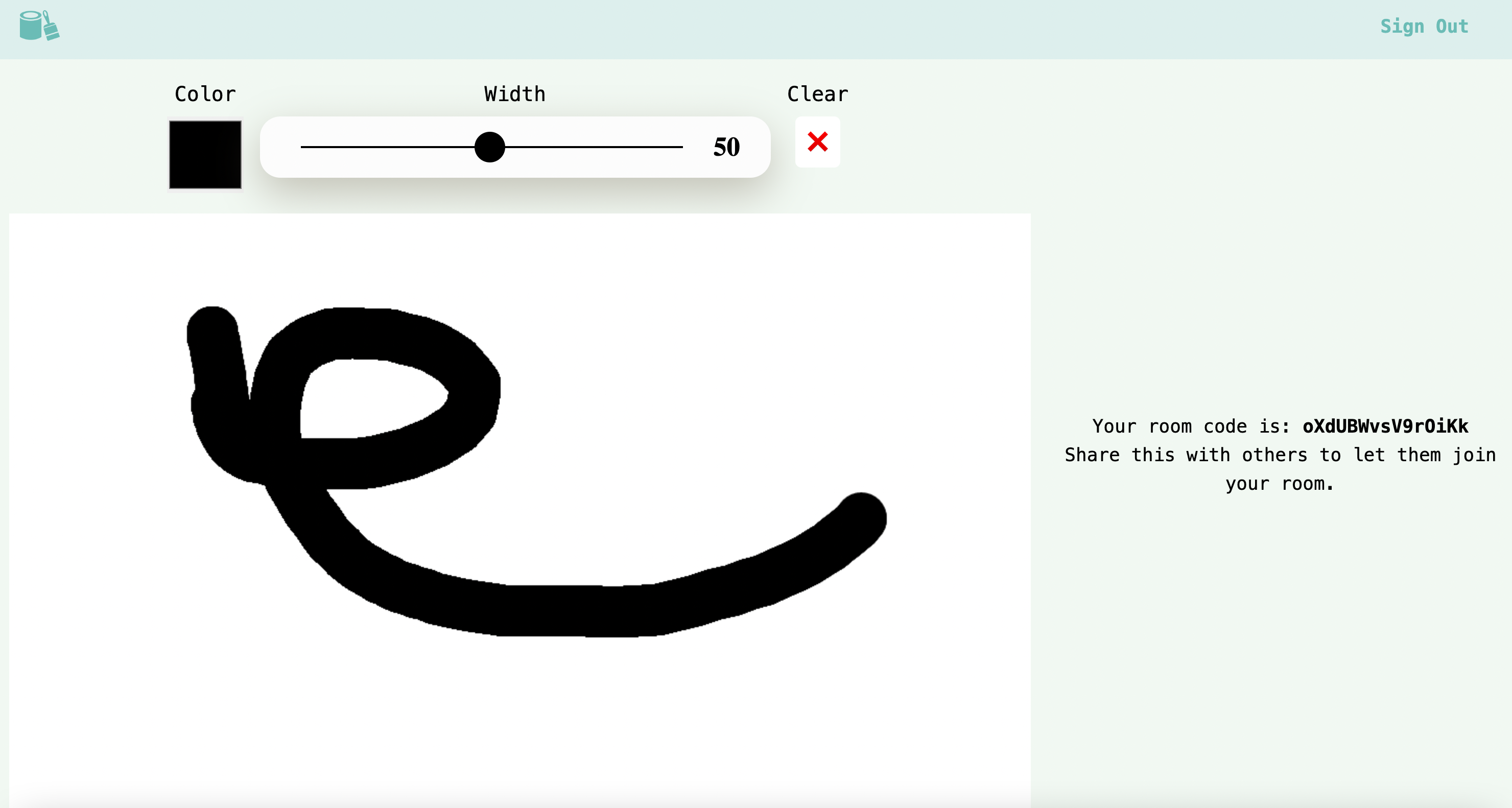 In order for user to share a canvas with other users, they have to establish a WebSocket connection to this server. The server then creates an instance of a canvas and broadcasts messages to all clients sharing that canvas. Any time a client wants to make a change to a canvas, they must send a message to the server documenting the exact change. The server will then uses these messages to update its internal state of the canvas, and broadcast them to all other clients on the same connection.
I used the socket.io library for this, which implements the WebSocket protocol and provides a very nice API for using it.
The structure of the application is very simple. There is a single remote server running on Heroku that holds the state of all canvases.
In order for user to share a canvas with other users, they have to establish a WebSocket connection to this server. The server then creates an instance of a canvas and broadcasts messages to all clients sharing that canvas. Any time a client wants to make a change to a canvas, they must send a message to the server documenting the exact change. The server will then uses these messages to update its internal state of the canvas, and broadcast them to all other clients on the same connection.Utility-based CSS
In most web applications, the CSS uses class-based structuring. This means that elements contain CSS classes, and classes apply specific styles to all elements with that class. As an example, you could have a CSS class called button-text that applies red font color and bold text. You would then apply this class to all button elements, such that they all have red font and bold text.
This is the predominant use of CSS, and it's also what I've always used for my web applications.
However, for this particular application I decided to try something new. I had heard about utility based CSS, which flips this paradigm completely over. The idea is that instead of classes describe certain subsets of elements in your app, you have a giant list of utility CSS classes that describe a single style instead. As an example, you might create a utility CSS class called text-bold, and apply this class to any element that you want to have bold text. If you want a button to have bold text, then you would have to give it the text-bold class.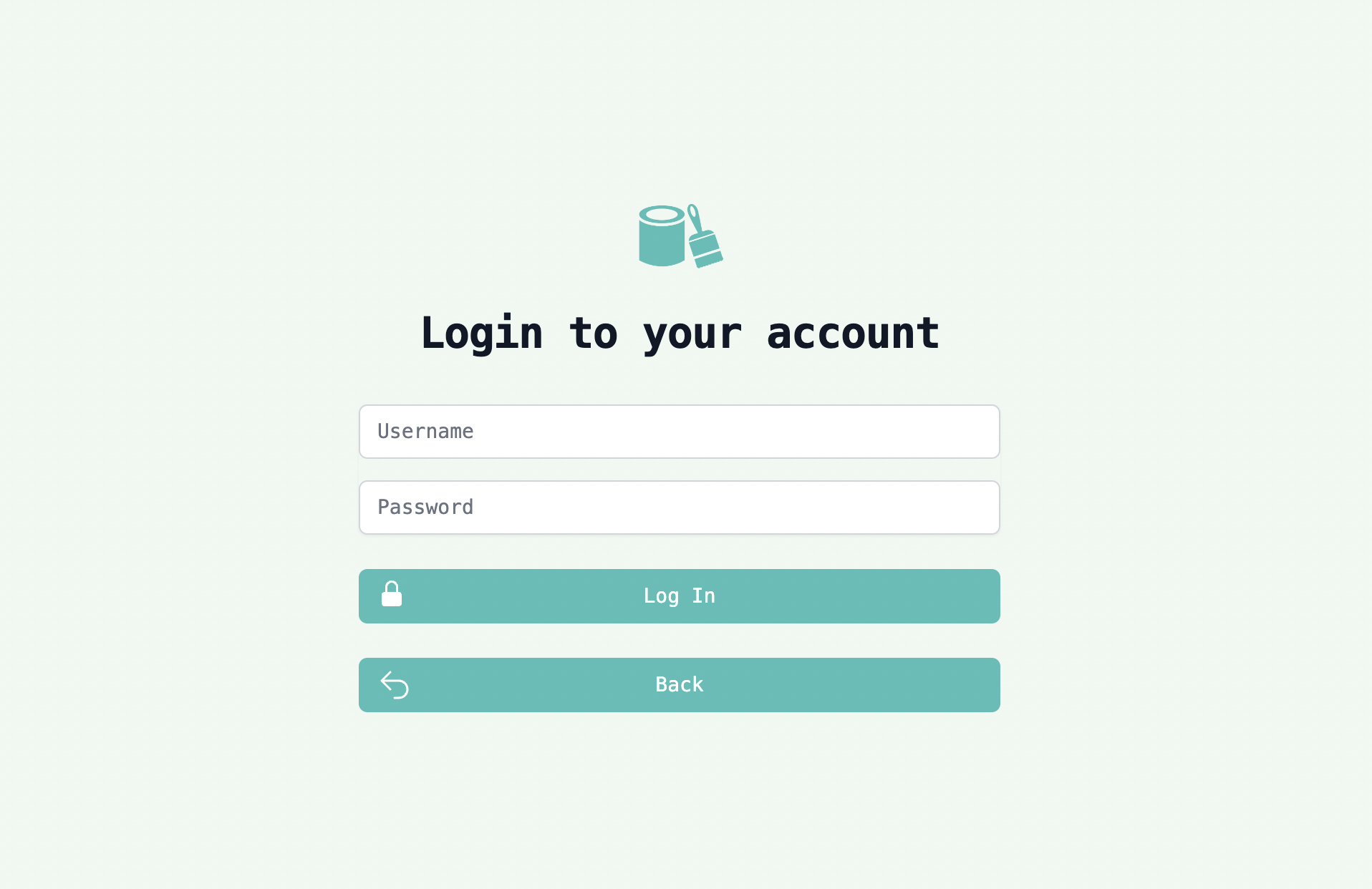 I was told good things about this structure of CSS, so I decided to try it out in this paint application. I used Tailwind CSS, which already comes with a large library of CSS utility classes.
To be honest, it takes a while to get used to. I think this definitely slowed down the project overall. However, I will say that by the end of the project using Tailwind felt relatively comfortable. I think overall this design is less modular. All of the CSS is global in scope so you do not modularize the HTML elements into logical classes. This does save time in the short run, as you don't have to create new CSS files or break up the UI into multiple classes. However, it does means that editing CSS for classes of elements is very difficult (since the concept of element classes doesn't really exist). Using React components does help with this however.
I don't have enough experience to definitively say whether utility-based CSS is better or worse than the traditional class-based structure. It was new and interesting style of CSS, though, and I would like to try more of it in future applications to get a better understanding of the design pattern.
This is the predominant use of CSS, and it's also what I've always used for my web applications.
However, for this particular application I decided to try something new. I had heard about utility based CSS, which flips this paradigm completely over. The idea is that instead of classes describe certain subsets of elements in your app, you have a giant list of utility CSS classes that describe a single style instead. As an example, you might create a utility CSS class called text-bold, and apply this class to any element that you want to have bold text. If you want a button to have bold text, then you would have to give it the text-bold class.
I was told good things about this structure of CSS, so I decided to try it out in this paint application. I used Tailwind CSS, which already comes with a large library of CSS utility classes.To be honest, it takes a while to get used to. I think this definitely slowed down the project overall. However, I will say that by the end of the project using Tailwind felt relatively comfortable. I think overall this design is less modular. All of the CSS is global in scope so you do not modularize the HTML elements into logical classes. This does save time in the short run, as you don't have to create new CSS files or break up the UI into multiple classes. However, it does means that editing CSS for classes of elements is very difficult (since the concept of element classes doesn't really exist). Using React components does help with this however.
I don't have enough experience to definitively say whether utility-based CSS is better or worse than the traditional class-based structure. It was new and interesting style of CSS, though, and I would like to try more of it in future applications to get a better understanding of the design pattern.
Accessing the application
You can access the application on this link:
https://real-time-paint.herokuapp.com/.
Try this Vercel link if Heroku doesn't work:
https://real-time-paint.vercel.app/.
Github repository is here:
https://github.com/shan2024/real-time-paint.
You have to create an account to start and share a canvas. However, I recommend just using a dummy email; don't use a real one. As I am using the cheapest Azure setup, there are fewer security measures (for example, there's no firewall for the server). The application doesn't care, in any case.
I should note, the app is hosted on Heroku, using the free tier. For free tier applications, I think the Heroku servers actually pause the virtual machines running the applications after a little while. I think this happens after a couple hours of no activity. As such, when you access the website for the first time, it may take a little while.
The same is also true for the login, since I am also using the cheapest setup for the Azure SQL server. It is a bit slow when warming up, so you may have to wait a bit on first access.
Heroku also may be shutting down the free tier soon. Depending on when you read this, this may have already happened. In this case, I am not sure what happens to my application. If you get a 404 response or something, please send me a message about this through my email.
https://real-time-paint.herokuapp.com/.
Try this Vercel link if Heroku doesn't work:
https://real-time-paint.vercel.app/.
Github repository is here:
https://github.com/shan2024/real-time-paint.
You have to create an account to start and share a canvas. However, I recommend just using a dummy email; don't use a real one. As I am using the cheapest Azure setup, there are fewer security measures (for example, there's no firewall for the server). The application doesn't care, in any case.
I should note, the app is hosted on Heroku, using the free tier. For free tier applications, I think the Heroku servers actually pause the virtual machines running the applications after a little while. I think this happens after a couple hours of no activity. As such, when you access the website for the first time, it may take a little while.
The same is also true for the login, since I am also using the cheapest setup for the Azure SQL server. It is a bit slow when warming up, so you may have to wait a bit on first access.
Heroku also may be shutting down the free tier soon. Depending on when you read this, this may have already happened. In this case, I am not sure what happens to my application. If you get a 404 response or something, please send me a message about this through my email.